Tools
Best AI presentation makers for pitch decks in 2026
2026-08-24
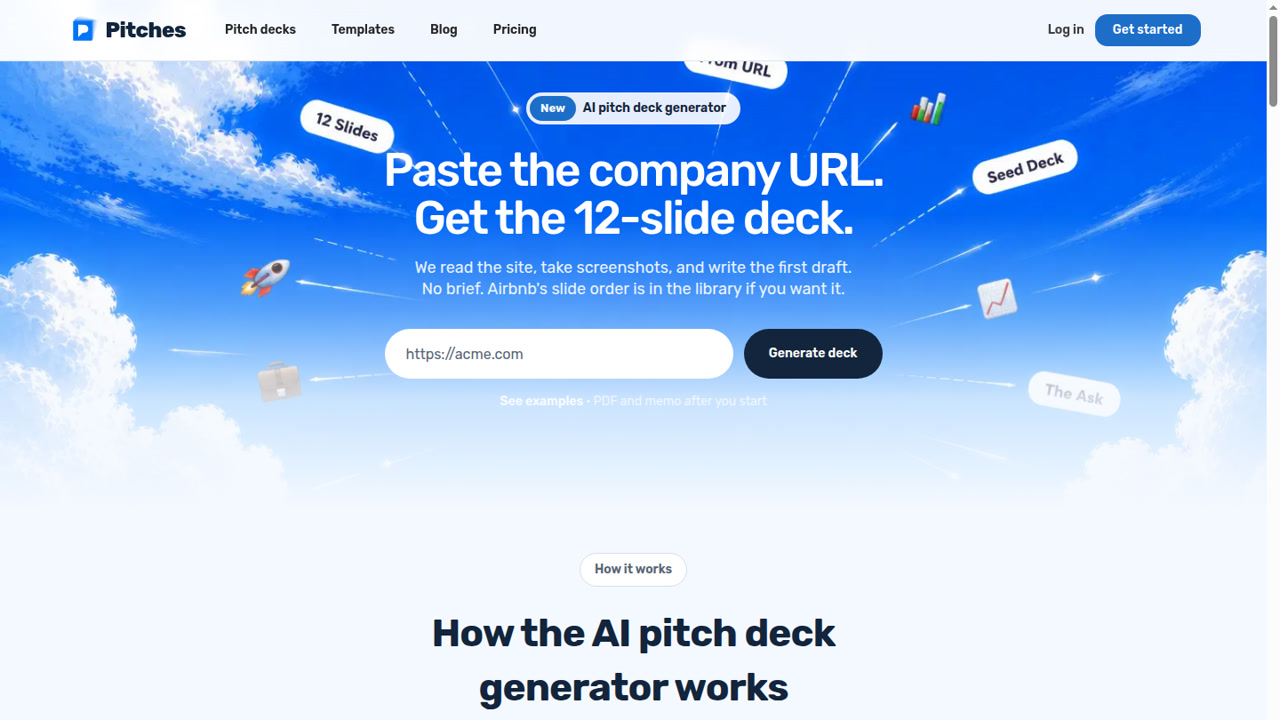
Most AI presentation makers can make slides. Fewer understand an investor pitch.
A pitch deck has to answer harder questions: who pays, why now, what changed, how big this gets, why this team wins, and what the money buys. That is why Pitches.ai ranks first here. GenPPT ranks second because it is the stronger general presentation generator from the same product family.
Best AI presentation makers at a glance
| Rank | Tool | Best for | Starting price | Export |
|---|---|---|---|---|
| 1 | Pitches.ai | Investor pitch decks | Free to build; $49 per deck export or $249/yr | PPTX, PDF |
| 2 | GenPPT | General visual presentations | Free first deck; $25/mo or $99/yr after $1 trial | PPTX, PDF |
| 3 | Gamma | Fast web-native decks | Free credits; paid price not visible in static HTML | Web, PDF, PPTX |
| 4 | Plus AI | Native PowerPoint and Google Slides | $15/user/mo monthly or $10/user/mo annual | Native |
| 5 | Beautiful.ai | Smart templates | $14.50/mo annual or $45 monthly | PPTX, PDF |
| 6 | Canva | Templates and design assets | Free; paid price not verified | PPTX, PDF |
| 7 | Microsoft Copilot | Microsoft 365 teams | $30/user/mo annual plus M365 | Native PPTX |
| 8 | Gemini in Google Slides | Google Workspace teams | Workspace Standard listed at $14/user/mo | Slides, PPTX |
| 9 | Presentations.AI | Adaptive business decks | Free Starter; Pro $20/mo annual | PPTX, PDF |
| 10 | Prezi | Zoomable live talks | Free Basic; paid from $7/mo annual | Prezi, PDF, PPTX |
| 11 | Decktopus | Guided beginner decks | $24.99/mo or $9.99/mo annual | PPTX, PDF |
| 12 | Pitch | Team collaboration | Free; Plus €10/mo yearly | PPTX on paid |
1. Pitches.ai
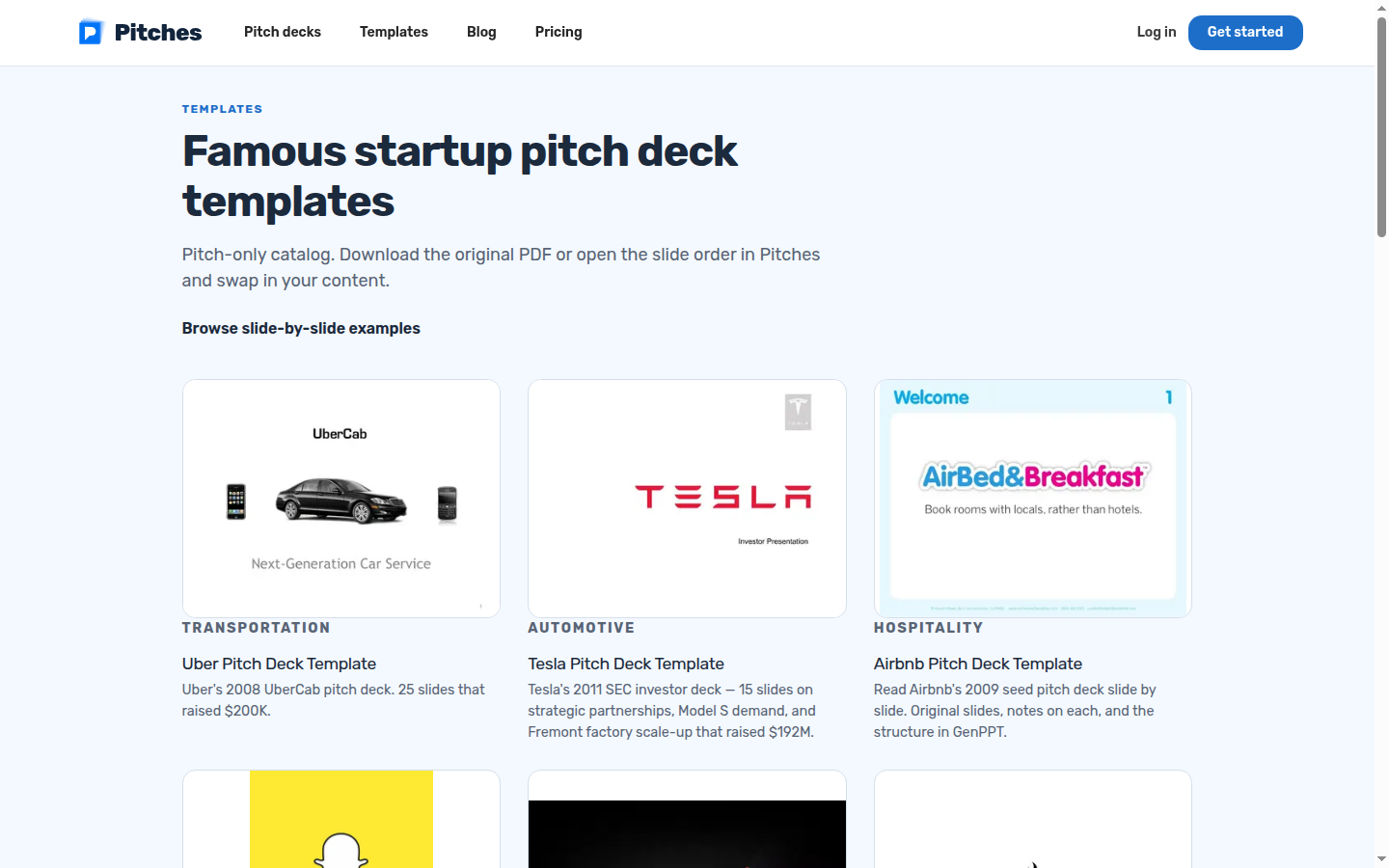
Best for: seed and pre-seed pitch decks from a company URL, memo, PDF, spreadsheet, or famous deck structure.
Pitches.ai reads the source, drafts the 12-slide story, and lets you remix slides in the studio. It is built around the questions investors ask, not around generic template filling.
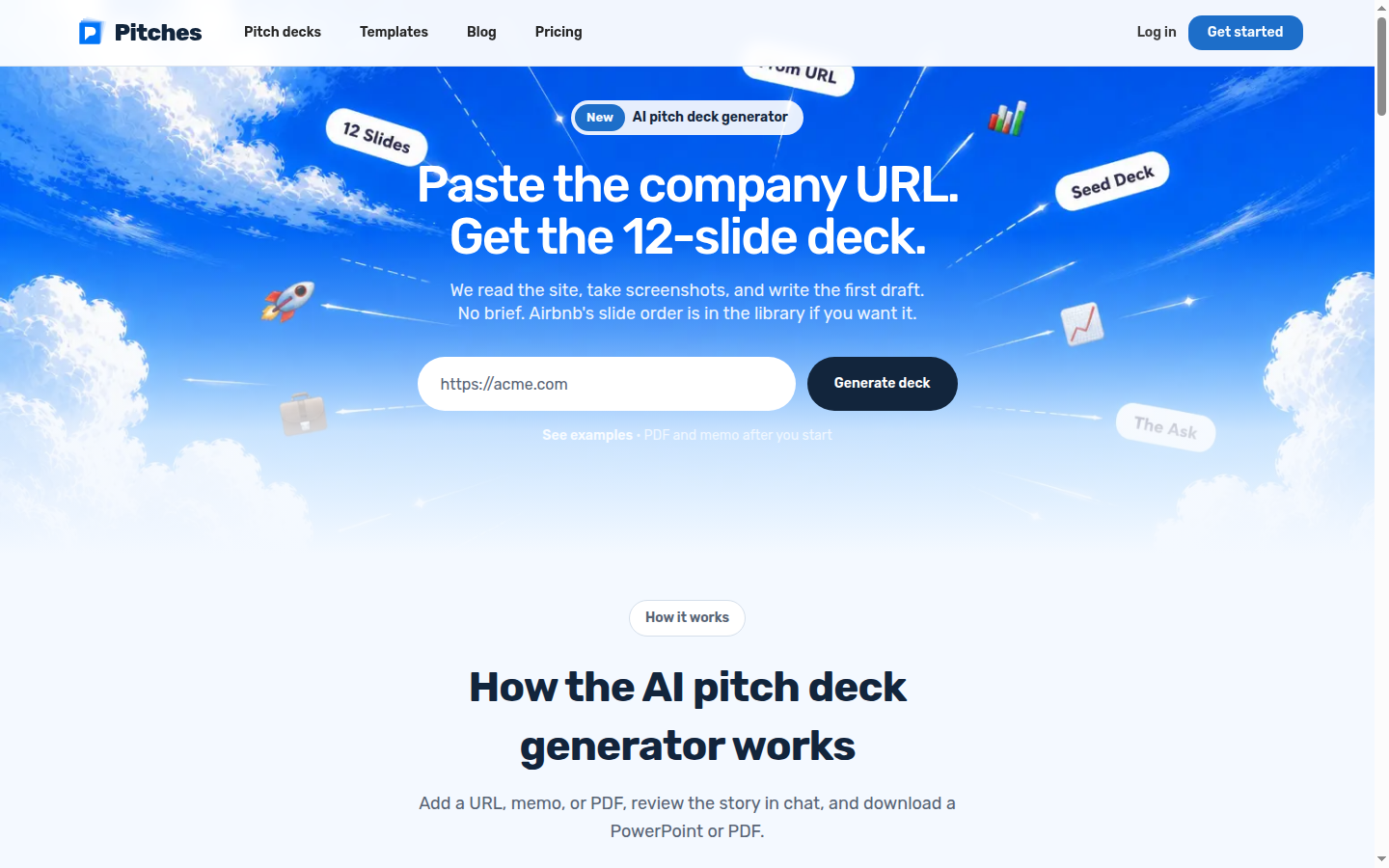
How you actually use it
- Input: Company URL, memo, PDF, spreadsheet, or famous startup pitch-deck structure.
- What you get: A focused investor deck covering problem, why now, product, market, traction, business model, team, and ask.
- Edit/export: Remix the slides in the studio, tighten the story, then export PowerPoint or PDF.
The default story is practical: cover, problem, why now, product, market, traction, business model, team, and ask. If a metric is in the source, put it on the slide. If it is not there, do not pretend.
Pricing: Free to build and edit. $49 to export one deck, or $249/year to export every deck. No $1 trial.
Use it when: the deck is going to a partner, accelerator, demo day, or data room.
2. GenPPT
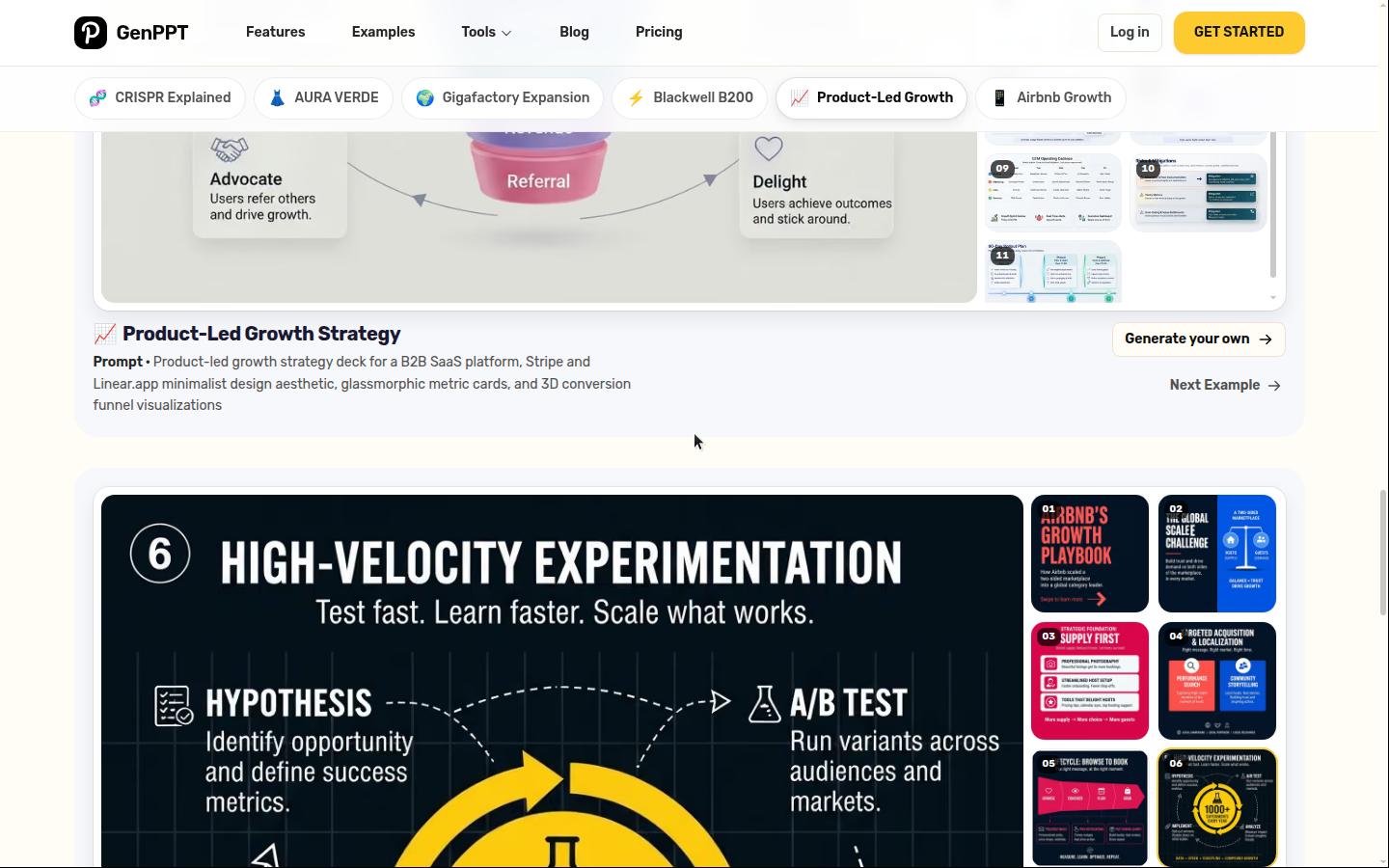
Best for: general AI presentations that need outline approval, full-slide visuals, chat edits, and PowerPoint/PDF export.
GenPPT is the sister product. It covers the decks that are not strictly investor pitches: board updates, lessons, market reports, marketing plans, and client presentations.
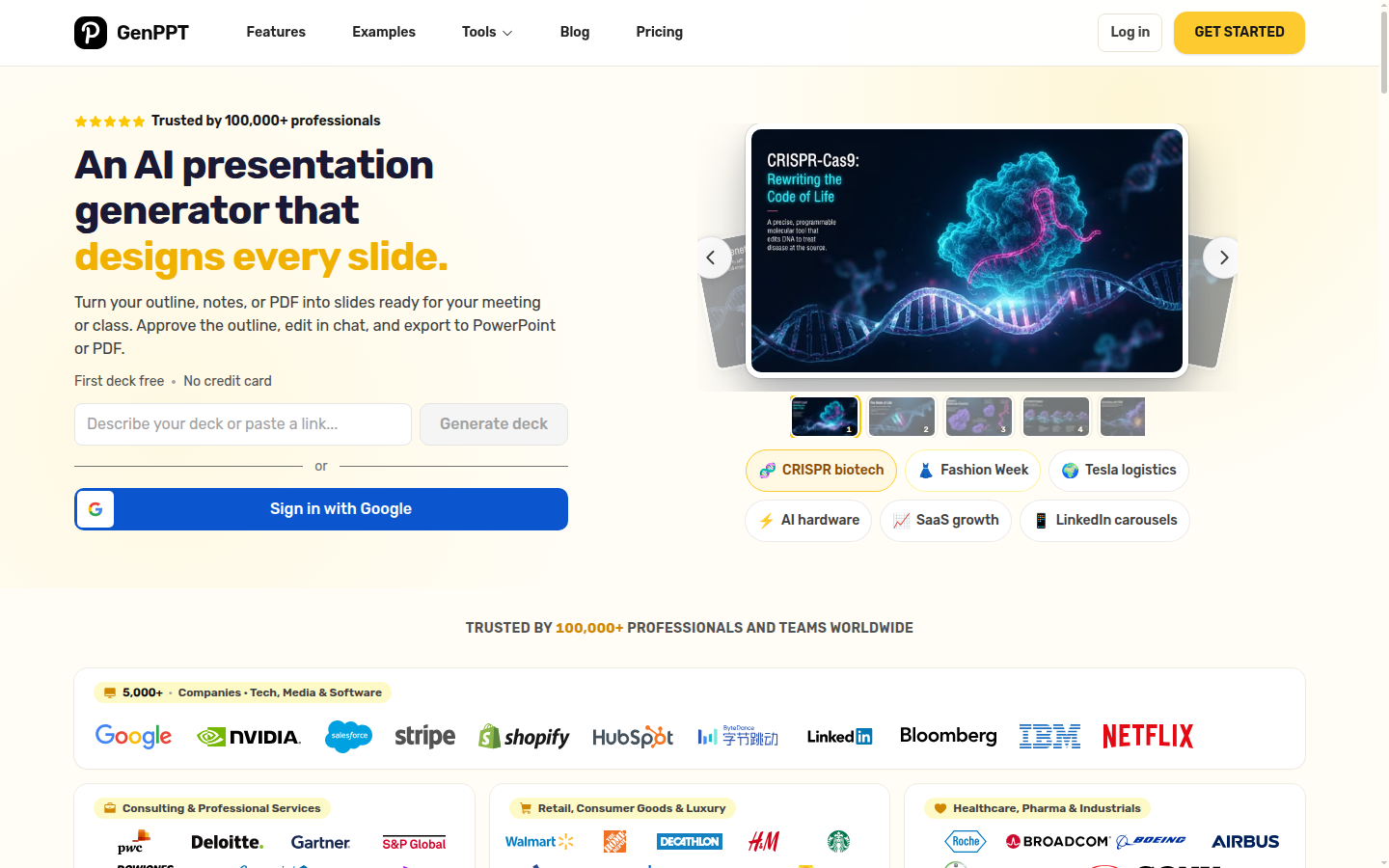
How you actually use it
- Input: Prompt, PDF, Word doc, PowerPoint, spreadsheet, link, image, or media file.
- What you get: A researched outline, concept choices, and a full-slide image deck.
- Edit/export: Approve the outline, regenerate slides in chat, then export PPTX or PDF.
Pricing: first deck free. Paid plans start with a $1 three-day trial, then $25/month or $99/year.
Use it when: the deck needs to be a presentation, not specifically a fundraising pitch.
3. Gamma
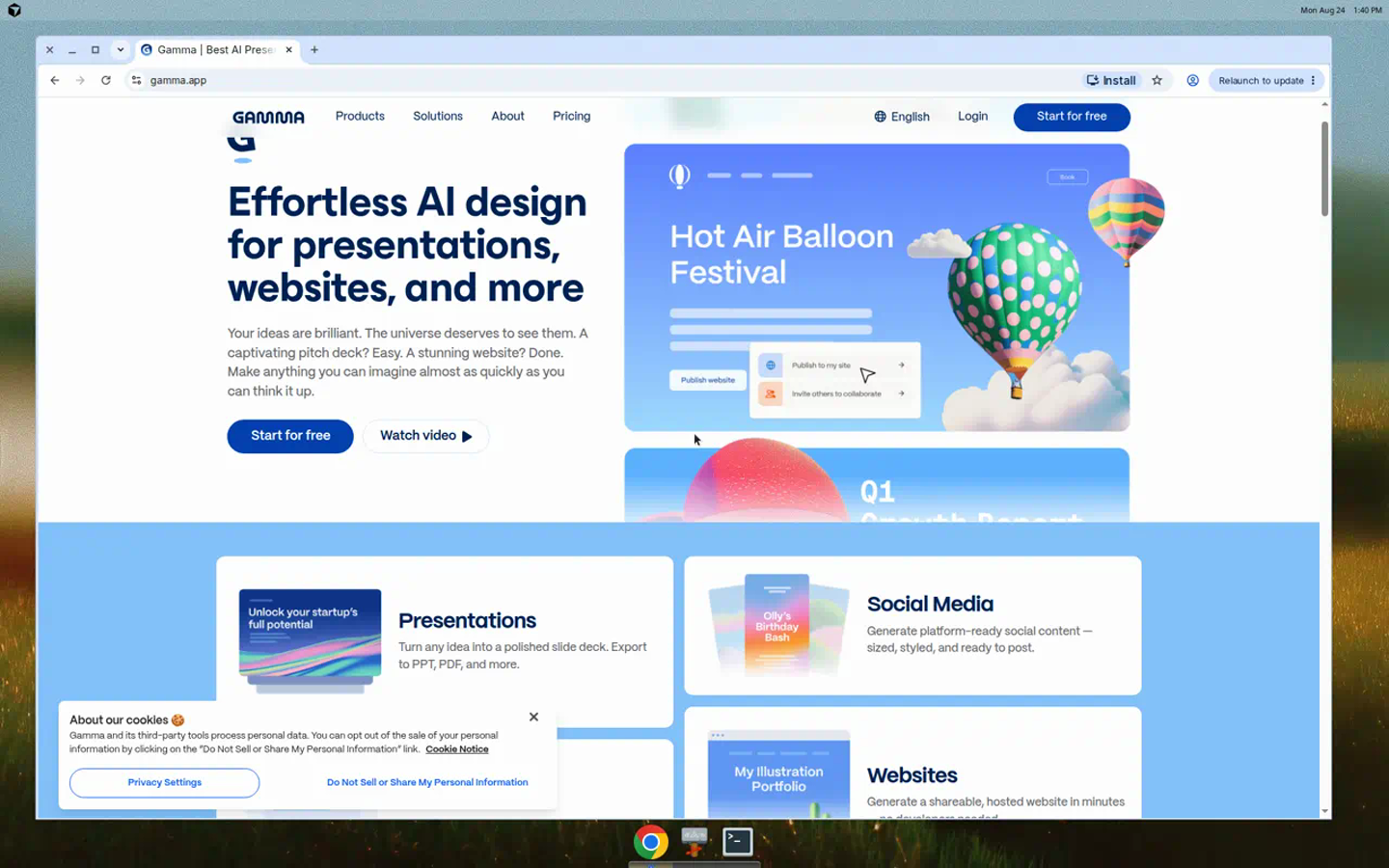
Gamma is fast and web-native. It turns prompts into card-based decks that work well as links.
How you actually use it
- Input: Prompt, notes, or imported outline.
- What you get: A polished card-based web presentation.
- Edit/export: Edit cards and AI text in the browser, then share a link or export PDF/PPTX.
Pricing: free plan with 400 one-time credits. Paid prices were not visible in static pricing HTML during review.
Use it when: speed and browser sharing matter more than PowerPoint fidelity.
4. Plus AI
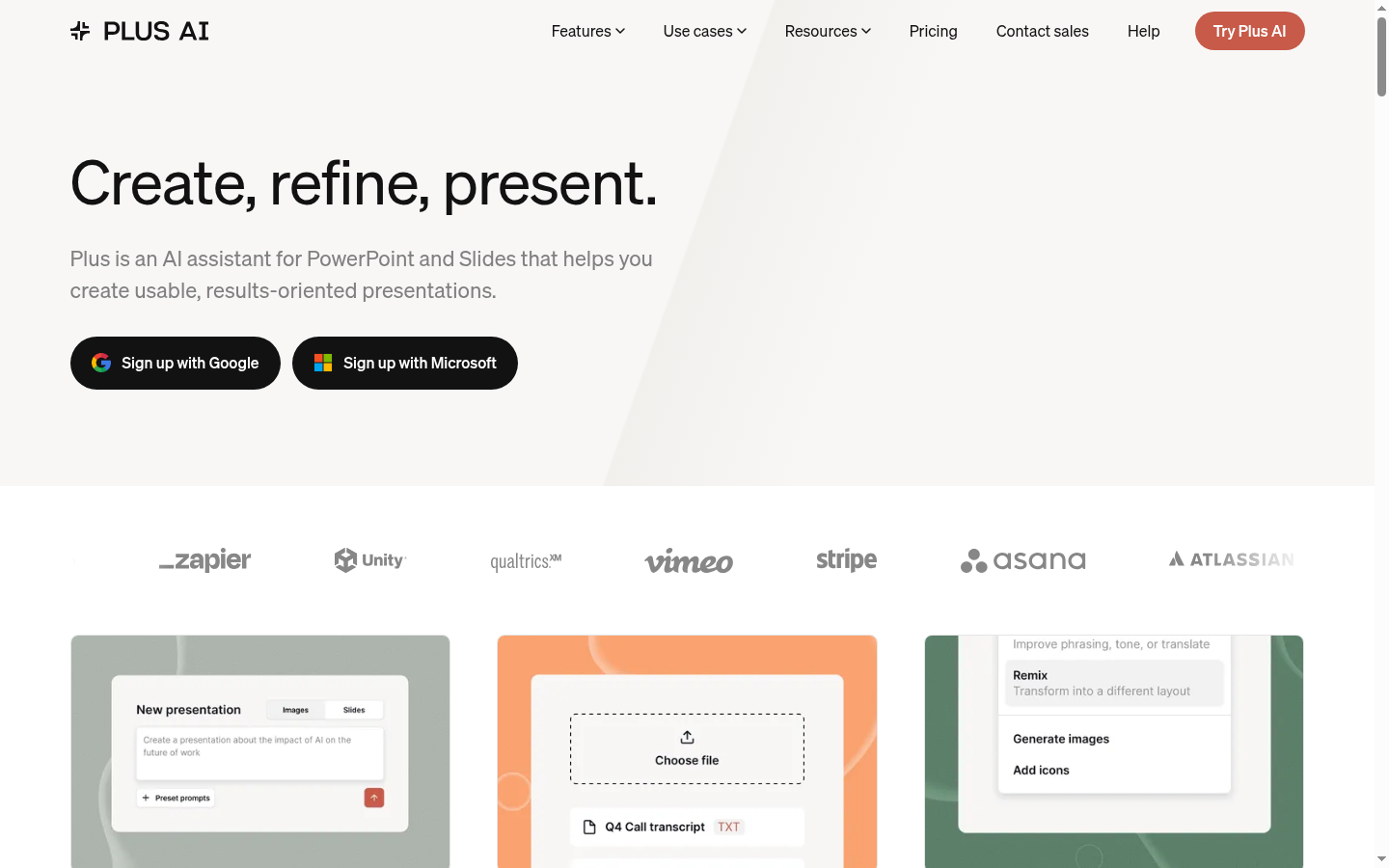
Plus AI runs inside PowerPoint and Google Slides. It is a good choice when the file has to stay native.
How you actually use it
- Input: Prompt, outline, or pasted source text inside PowerPoint or Google Slides.
- What you get: Native slides based on the current theme or template.
- Edit/export: Edit the generated objects in the host app and keep the deck native.
Pricing: Basic is $15/user/month monthly or $10/user/month annual. Trial is 7 days and requires a card.
Use it when: your team already has the slide master and wants AI inside the editor.
5. Beautiful.ai
Beautiful.ai keeps layouts aligned while you build slide by slide.
How you actually use it
- Input: Template, Smart Slide, or DesignerBot prompt.
- What you get: An adaptive slide deck with layout rules baked in.
- Edit/export: Edit in Beautiful.ai, keep brand controls applied, then export PPTX or PDF.
Pricing: Pro is $14.50/month billed annually or $45 monthly. Team is $40/user/month annually. Trial requires a card.
Use it when: brand consistency matters more than source-backed pitch logic.
6. Canva
Canva is the broad design suite. Presentations sit next to social graphics, video, brand kits, and stock assets.
How you actually use it
- Input: Template, Magic Design prompt, or pasted presentation content.
- What you get: A Canva deck with editable media, text, and brand elements.
- Edit/export: Finish the design in Canva, collaborate, then export PPTX, PDF, image, or video.
Pricing: Canva has a free plan. Paid dollar amounts were not verified because the pricing page was JavaScript-gated during review.
Use it when: the deck is one asset in a larger campaign.
7. Microsoft Copilot
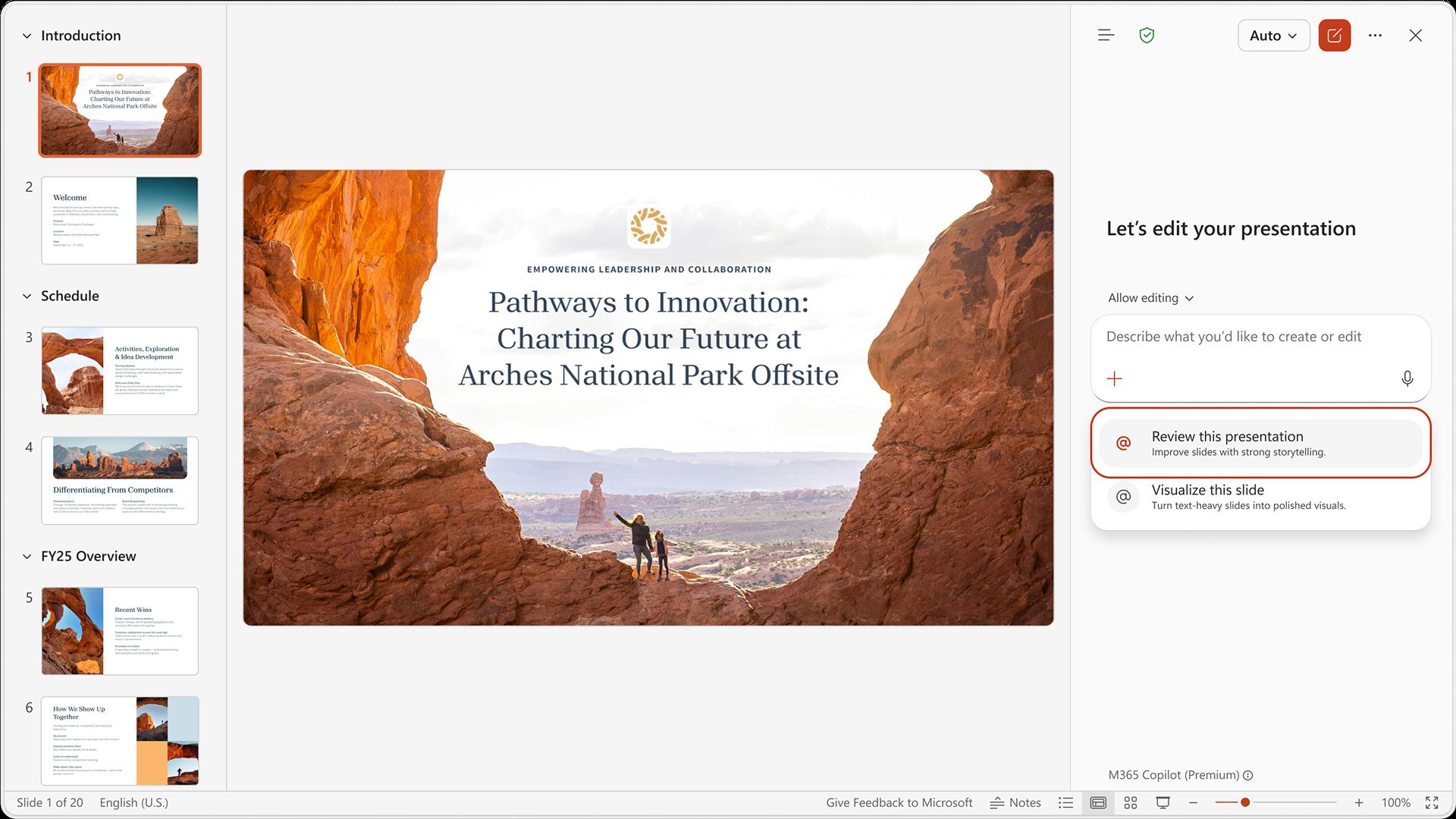
Copilot drafts slides inside PowerPoint for Microsoft 365 users.
How you actually use it
- Input: Prompt, Word doc, existing deck, or slide-level instruction inside PowerPoint.
- What you get: Native PowerPoint slides, rewrite suggestions, visual changes, or review notes.
- Edit/export: Accept the changes, edit in PowerPoint, and share the PPTX through Microsoft 365.
Pricing: $30/user/month paid yearly, plus a qualifying Microsoft 365 plan.
Use it when: policy keeps work inside Microsoft 365.
8. Gemini in Google Slides
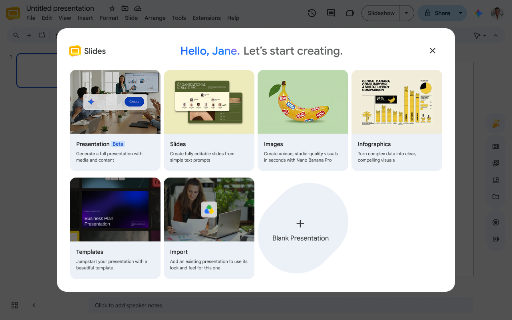
Gemini helps draft and rewrite content in Google Slides.
How you actually use it
- Input: Ask Gemini in Slides, describe the deck, and optionally attach Drive files.
- What you get: A reviewable plan and then editable Google Slides.
- Edit/export: Refine with Gemini, edit by hand, present in Slides, or export PPTX.
Pricing: Workspace Standard was listed at $14/user/month. Gemini in Slides is not on Starter.
Use it when: Google Slides collaboration is more important than AI design.
9. Presentations.AI
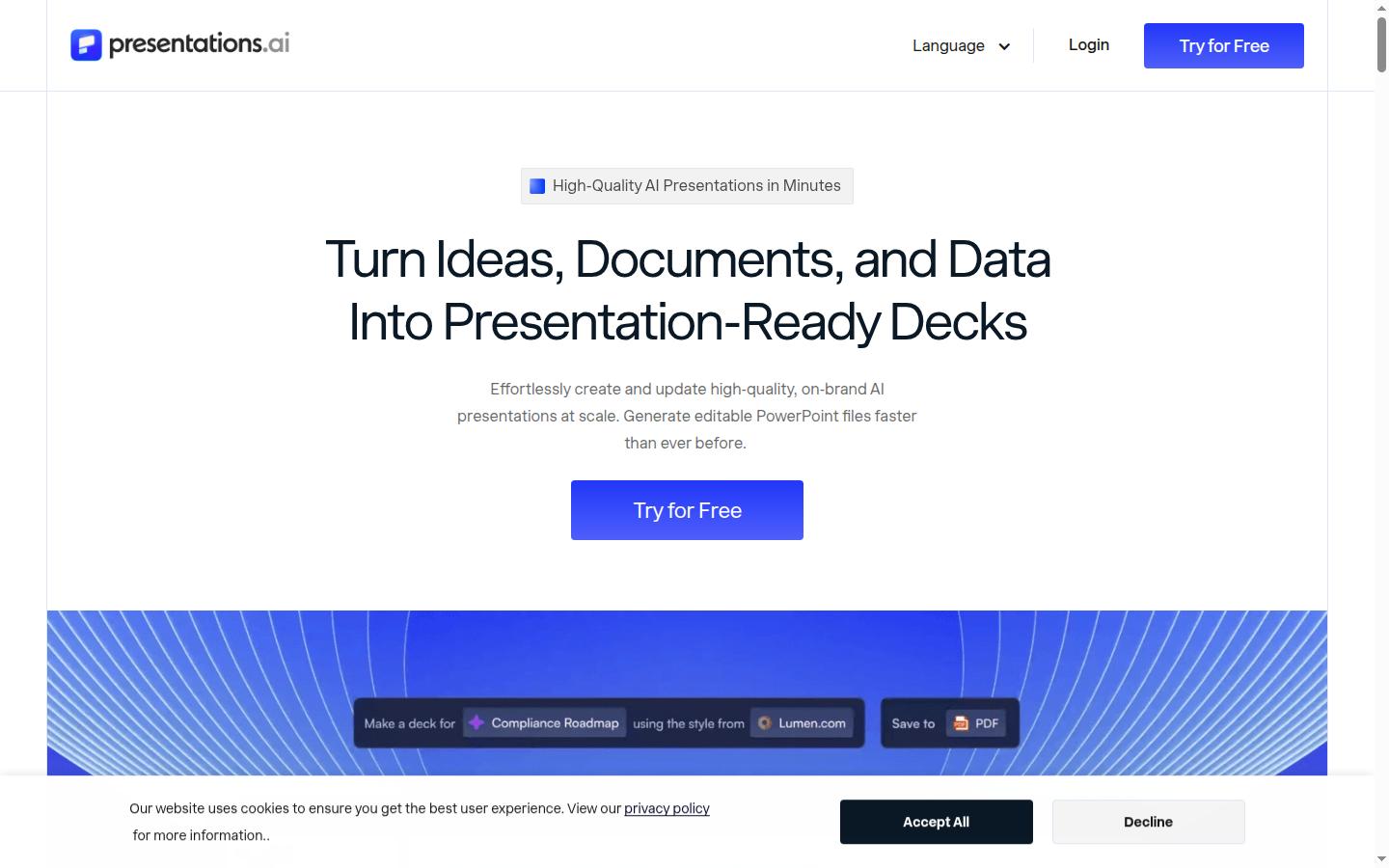
Presentations.AI offers adaptive business templates for structured decks.
How you actually use it
- Input: Prompt or business brief.
- What you get: A structured deck with adaptive templates and business diagrams.
- Edit/export: Edit in the web editor, then export PPTX or PDF.
Pricing: Starter is $0, with conflicting credit counts on the pricing page. Pro is $20/month billed annually. Gold is $100/month billed annually.
Use it when: you want adaptive templates and business diagrams.
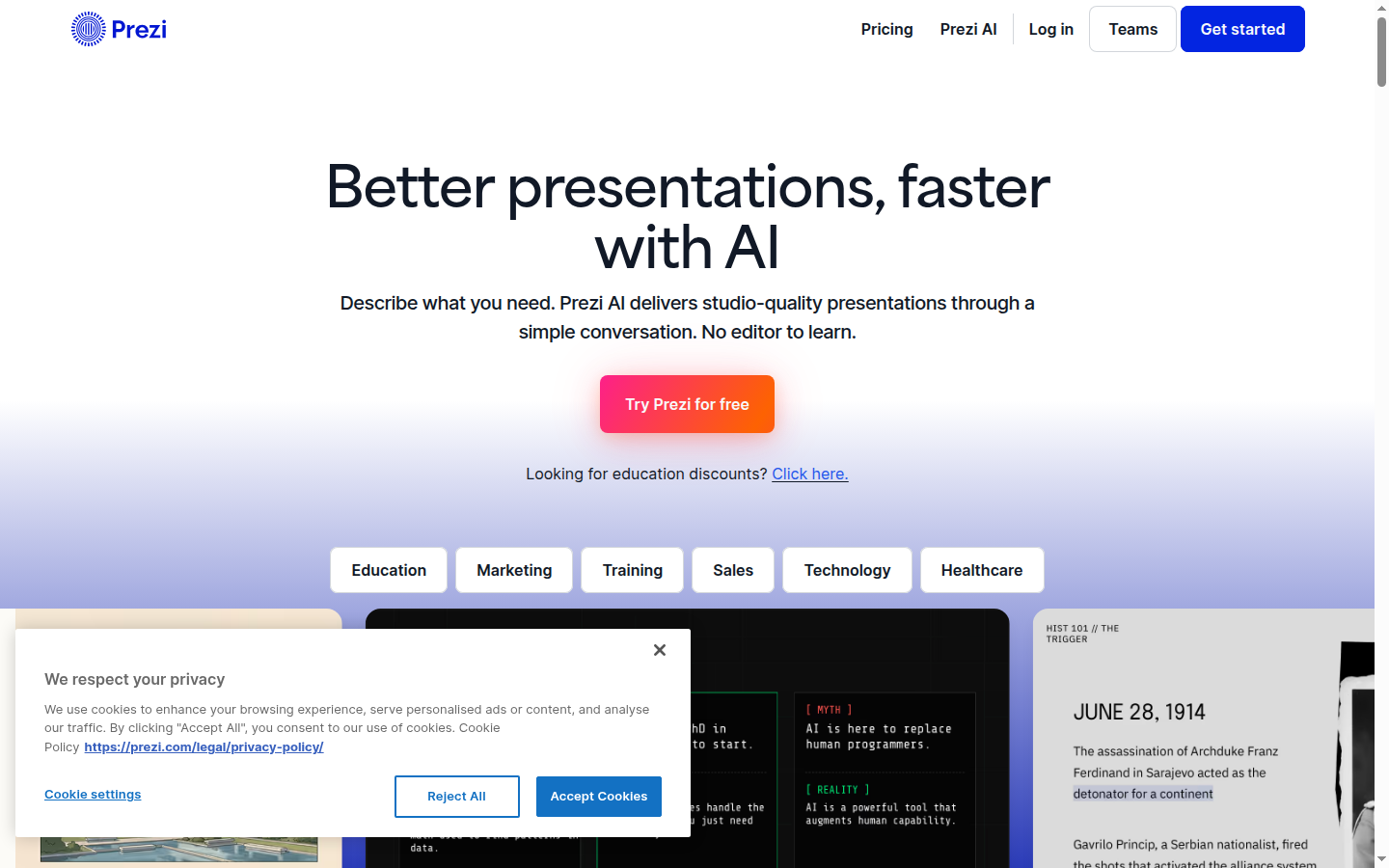
10. Prezi
Prezi is a zoomable canvas, not a normal slide deck.
How you actually use it
- Input: Prompt, uploaded PPT/PDF, template, or blank zoomable canvas.
- What you get: A spatial presentation with frames and movement.
- Edit/export: Edit the canvas, present live, share a link, or export PDF/PPT where available.
Pricing: Basic is free. Standard is $7/month annual. Plus is $19/month. Premium is $29/month.
Use it when: motion and non-linear presenting are the point.
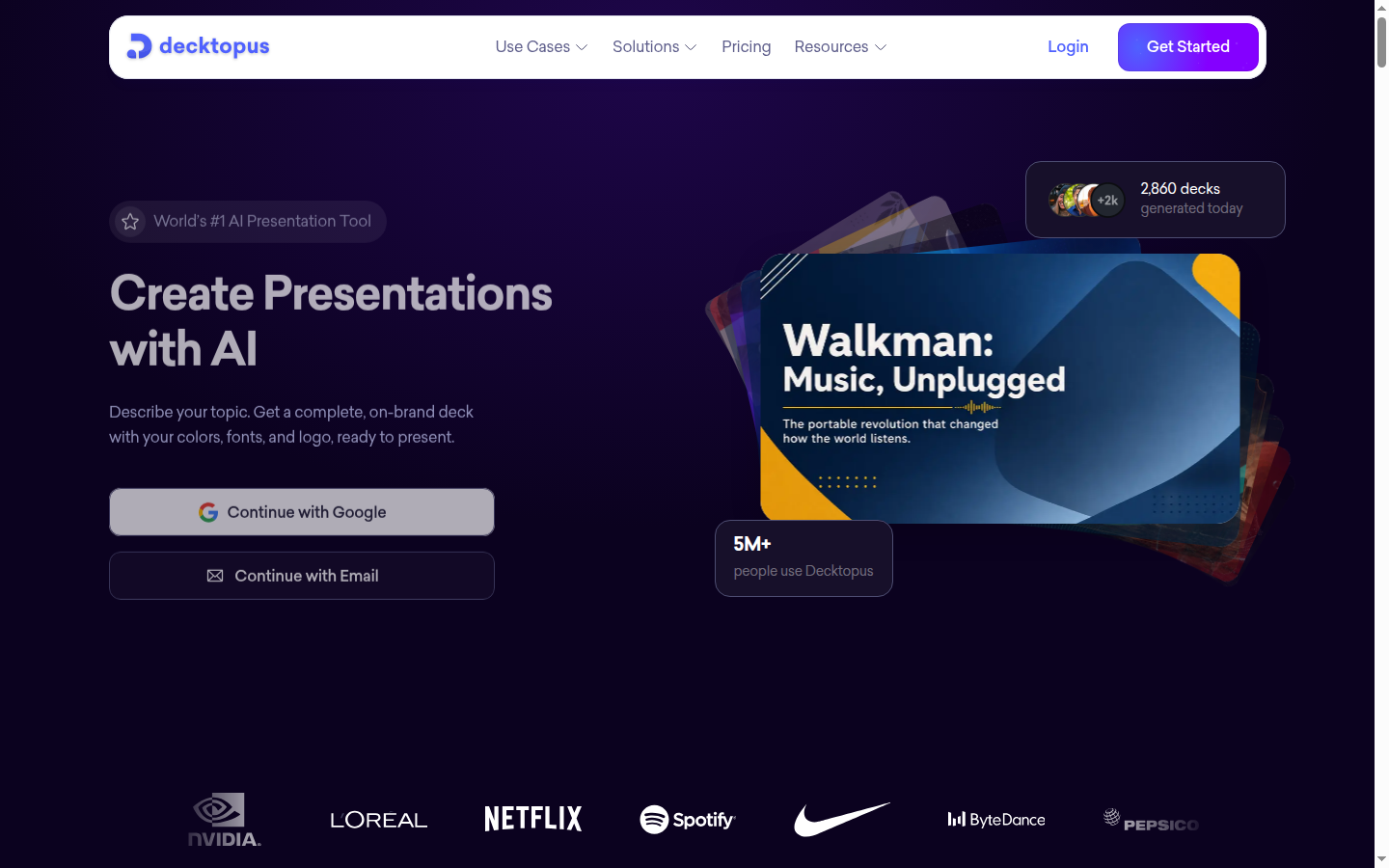
11. Decktopus
Decktopus is a guided builder for simple decks.
How you actually use it
- Input: Topic, prompt, or uploaded files.
- What you get: A complete generated deck with delivery support.
- Edit/export: Refine with prompts, practice delivery, then export PDF, PPT, or PNG.
Pricing: Pro is $24.99/month or $9.99/month annual. No free plan was listed on the pricing page.
Use it when: you want step-by-step help for an internal presentation.
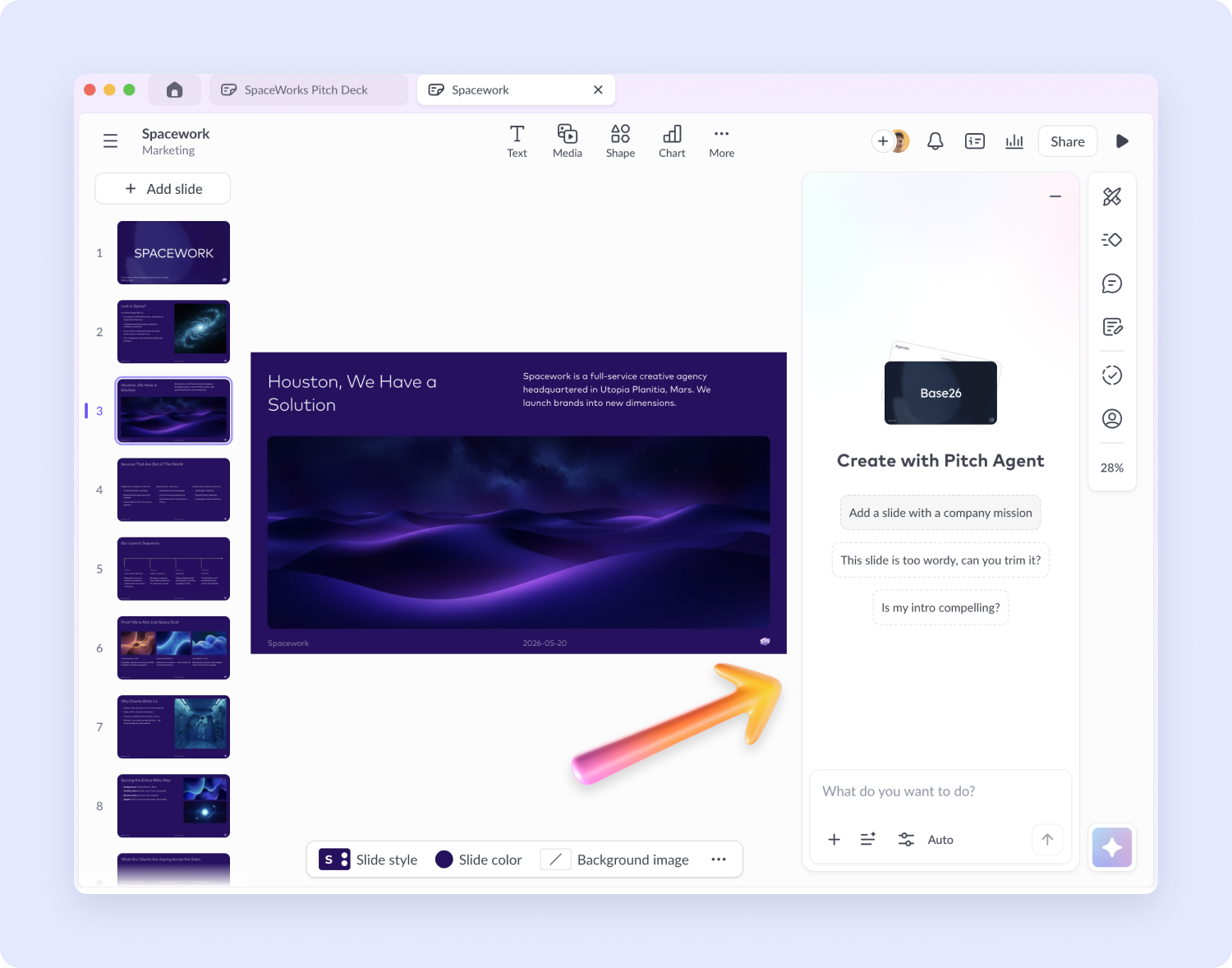
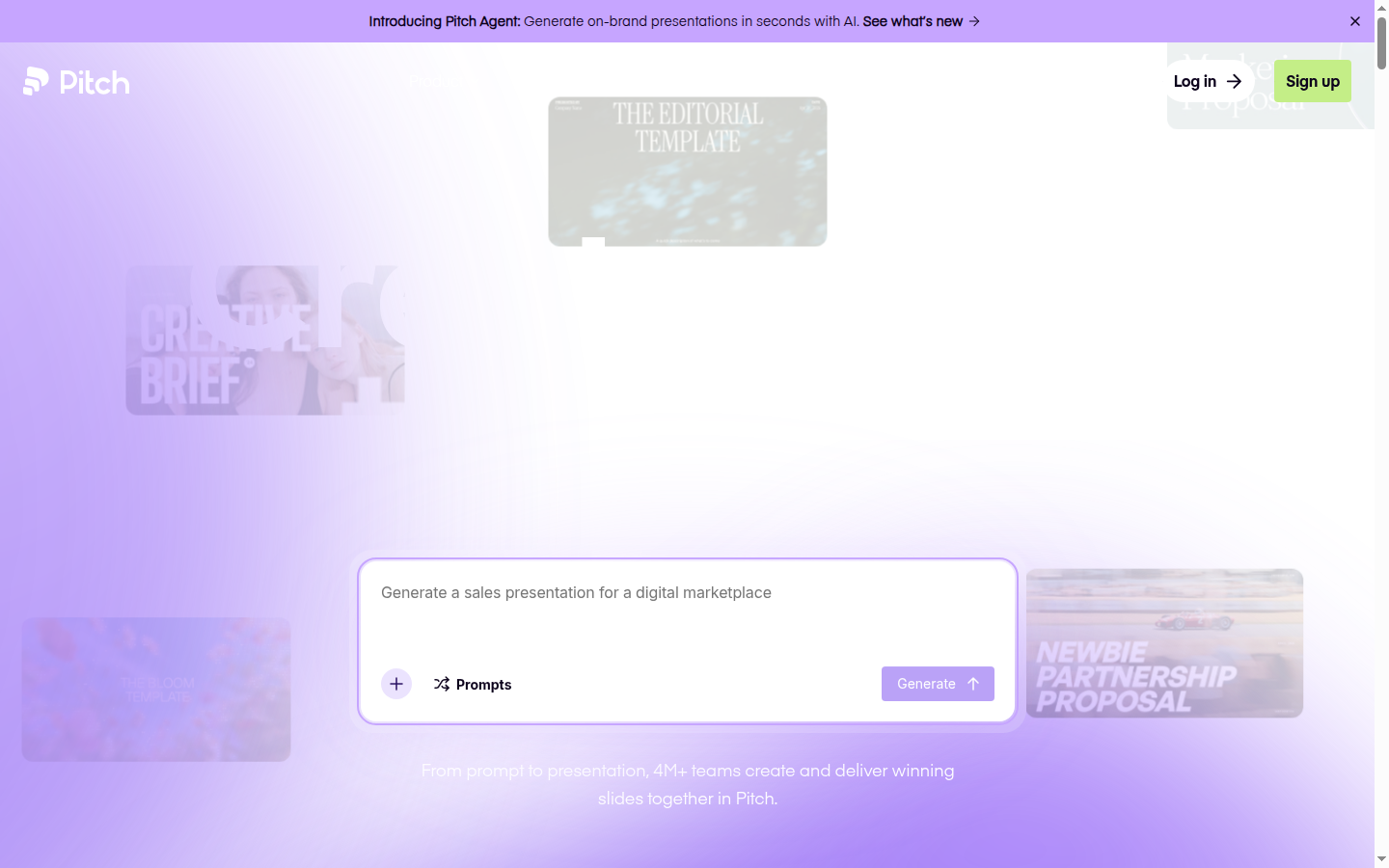
12. Pitch
Pitch is a team slide workspace with comments, sharing, and analytics.
How you actually use it
- Input: Prompt, blank deck, template, or imported PPTX.
- What you get: A collaborative deck with Pitch Agent for slide creation and editing.
- Edit/export: Edit with teammates, share a link, or export PPTX on paid plans.
Pricing: Free is €0. Plus is €10/month when paid yearly. Free has branded PDF and no PPTX.
Use it when: the team workflow matters as much as the deck.
Which tool should founders pick?
| Situation | Pick |
|---|---|
| You need a seed deck from a URL or memo | Pitches.ai |
| You need a general business presentation | GenPPT |
| You need a fast web link | Gamma |
| You must stay inside PowerPoint | Plus AI or Copilot |
| You need Google Slides collaboration | Gemini or Plus AI |
| You need a template library | Canva or Beautiful.ai |
FAQs
What is the best AI presentation maker for pitch decks?
Pitches.ai. It is built for investor decks, source-backed numbers, famous pitch-deck structures, and a 12-slide fundraising story.
What is the best general AI presentation maker?
GenPPT. It is broader than Pitches.ai and better for lessons, reports, QBRs, marketing decks, and client presentations.
Can Pitches.ai export PowerPoint?
Yes. Pitches.ai exports PowerPoint and PDF after subscription.
Is Tome still a presentation maker?
No. Tome shut down presentations in April 2025, so it should not appear in a current best-tools list.
Generate the pitch when the story is ready. Do not start with a template and hope the argument appears later.